

Guide your audience to what matters.
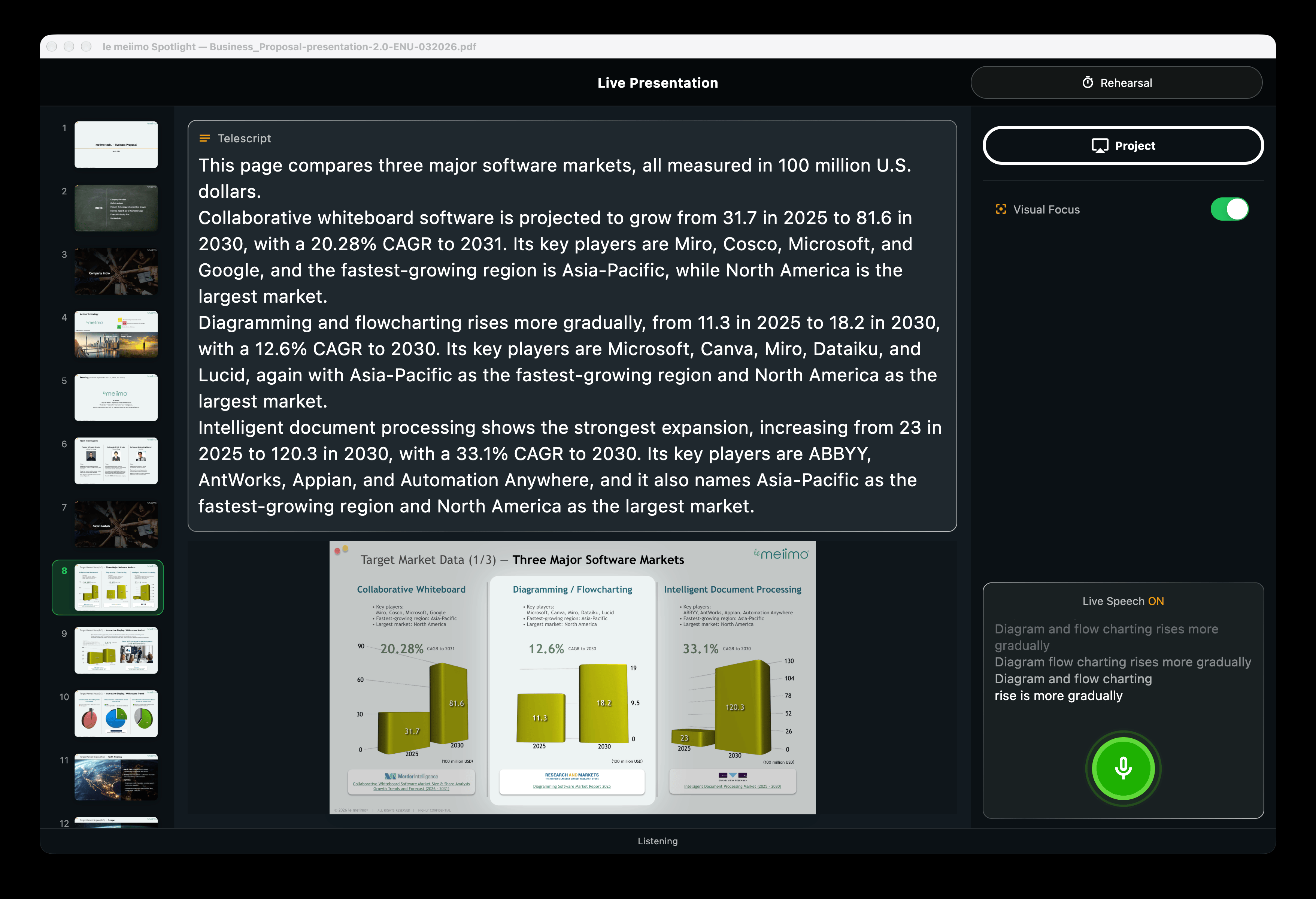
As you speak, Spotlight brings the right on-screen detail into focus, without hours of animation work or manual controls.

Working demo available
WHY AUDIENCES LOSE FOCUS
Strong content can still lose the audience.
Dense slides and distant screens make key details easy to miss.
Manual controls pull attention away from the presentation.
Hours of animation work can go into an effect that lasts seconds.
THREE WAYS TO PRESENT
Import your deck and present, or generate a script and fine-tune the effects first.
Present now
Add a PPTX or PDF and start presenting. Spotlight follows your voice and brings the right slide details into focus.
Generate a script
Use AI to generate a script from your deck, then present with the built-in teleprompter.
Rehearse
Rehearse on desktop and fine-tune focus effects and transitions.
macOS and Windows desktop only

TARGET PUBLIC RELEASE
September 2026
A working demo is available for OEMs, product partners, and organizations evaluating Spotlight.
In development platforms
Spotlight is planned for macOS, Windows, iOS, and Android.
Demo ready
See how Spotlight guides audience attention in real time.
Book a live demo of Spotlight, Secretary, or both.